⚡ Same-Day Production – Order Today, Ships Today!🚀 Premium DTF Transfers | No Minimums, No Setup Fees🔥 Build Your Own Gang Sheet – Upload Your Design in Minutes!⚡ Same-Day Production – Order Today, Ships Today!🚀 Premium DTF Transfers | No Minimums, No Setup Fees🔥 Build Your Own Gang Sheet – Upload Your Design in Minutes!⚡ Same-Day Production – Order Today, Ships Today!🚀 Premium DTF Transfers | No Minimums, No Setup Fees🔥 Build Your Own Gang Sheet – Upload Your Design in Minutes!
Need help? +1 225 251 2421WhatsApp @arjindtf



Free DTF Resources: Templates & Guides
● Free downloads
Free DTF Resources: Templates & Guides
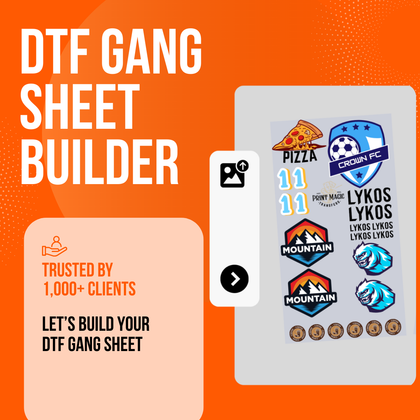
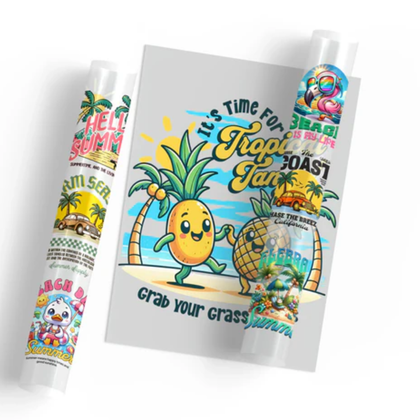
Free templates and guides to help you size, place and set up your DTF transfers. Download the PDFs, use them in Photoshop, Illustrator or Canva, then build or upload your 22" gang sheet.
Free PDF downloadsNo sign-up neededMade for 22" gang sheets
Guides
Print-ready PDFs you can save, share or print at home.
DTF Print Placement & Size Guide
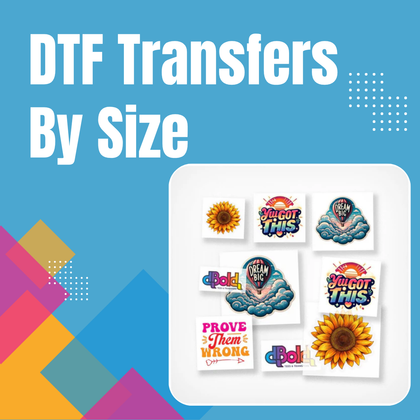
Recommended widths for onesies, toddler, youth and adult shirts, hoodies, left chest, back, sleeve and nape, plus measuring tips and an artwork checklist.
DownloadHow to Use the Gang Sheet Templates
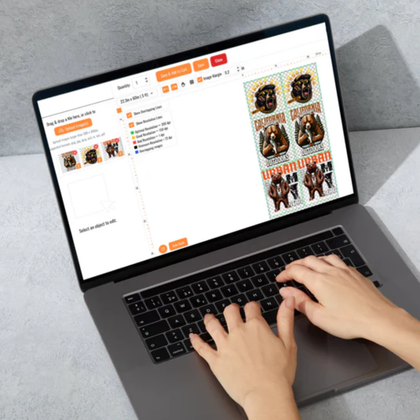
Step-by-step setup in Photoshop and Canva: place your designs, keep 0.25" spacing, export a transparent file and upload it.
DownloadNeck Tag Templates Sheet
All three neck tag layouts shown at actual size, with instructions for editing and adding them to your gang sheet.
DownloadGang sheet templates
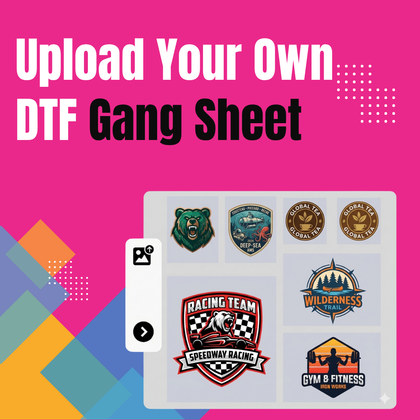
True-size 22" wide templates with a 0.25" safe-margin guide and a transparent background. Each matches a size on our Upload Your Own DTF Gang Sheet product.
Free neck tag templates
Three 3" x 3" layouts with "YOUR BRAND", size, fabric and care placeholders in black on a transparent background (300 DPI artwork). No mirroring needed for DTF.


How to use the templates
-
1Download the template that matches your sheetPick the same size you will order, e.g. 22" x 60".
-
2Open it in your design appPhotoshop: open the PDF at 300 pixels/inch, RGB. Canva or Illustrator: import the PDF.
-
3Place your designs at real print sizeKeep them inside the gray safe-margin line with 0.25"–0.5" between designs. Use our size guide for widths.
-
4Hide the template and exportRemove the guide layer, then export a transparent PNG at 300 DPI (PDF is also accepted).
-
5Upload and orderUpload your file on the Upload Your Own DTF Gang Sheet product and choose the matching size.
Ready to print?
No design software? Build your sheet online, or upload a finished 22" file. Questions? Call or text +1 225 251 2421 or WhatsApp @arjindtf.
FAQ
Are these DTF templates really free?
Yes. Download them and use them for your own projects. No account or sign-up is needed.
Why are the gang sheet templates PDF files?
A PDF keeps the exact size (22" wide by your sheet length) and a transparent background, and it opens in Photoshop, Illustrator and Canva. In Photoshop, open it at 300 pixels/inch.
What file should I upload for my gang sheet?
A transparent PNG at 300 DPI works best, and PDF is also accepted. Make the canvas exactly 22" wide by the length you order, leave space between designs and keep art away from the edges.
Do I need to mirror my designs or neck tags?
No. Mirroring is not needed for DTF. Send your design the way it should read on the garment and print at 100% size.
- Choosing a selection results in a full page refresh.


